









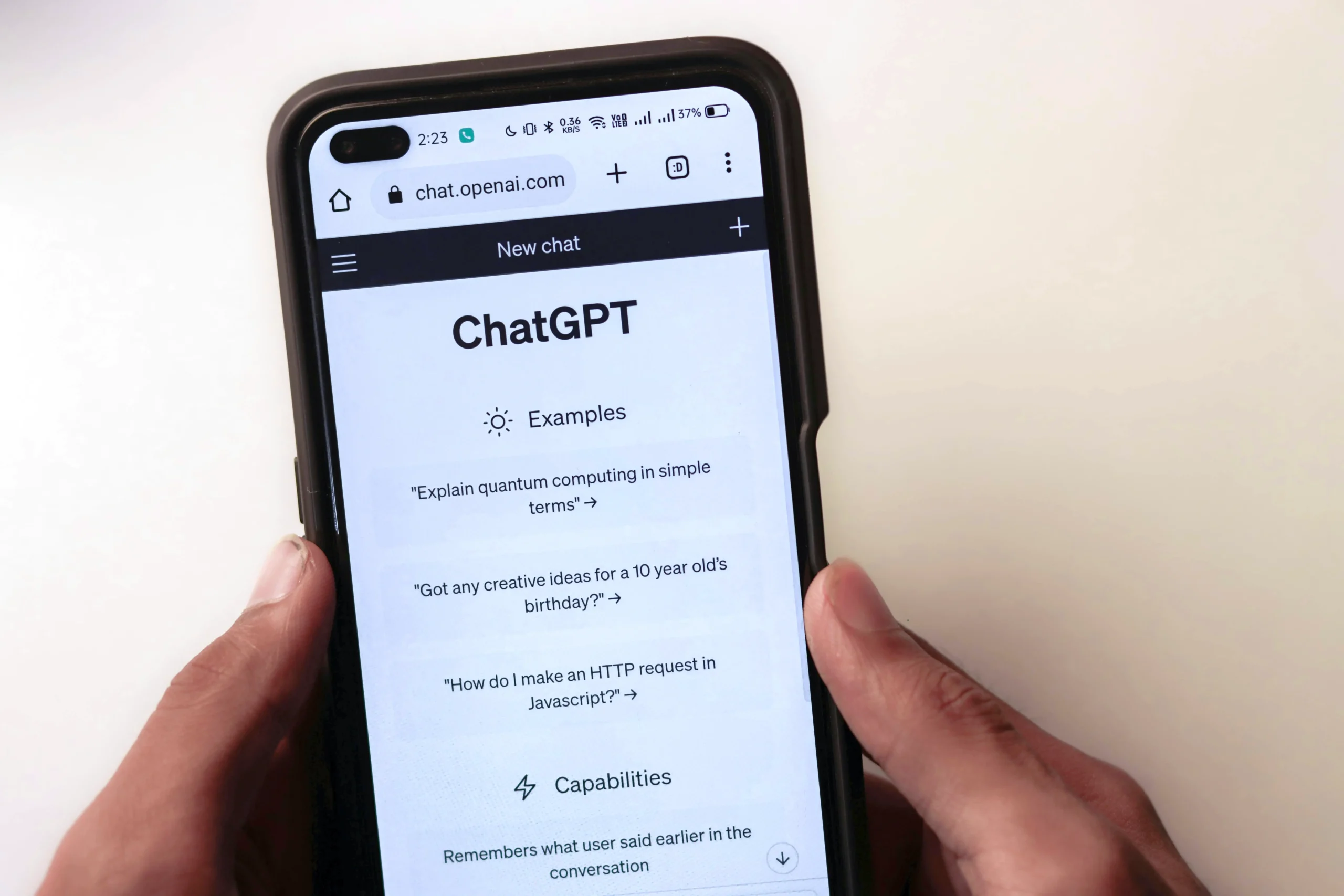
Big news for anyone who uses ChatGPT for serious research, work, or just loves keeping things organised. OpenAI has added a brand-new feature to ChatGPT that lets you download your conversations as a PDF. Finally. No more messy screenshots or copy-pasting into Word docs.
This might seem like a small update, but it’s actually a big deal — especially for people using ChatGPT for in-depth tasks like market analysis, academic research, or project planning.
Let’s break it down.
What’s New?
The latest update brings a Download PDF option directly into your chat. It’s been rolled out for ChatGPT Plus users using GPT-4, and it’s part of OpenAI’s ongoing effort to make the AI more practical for professional and long-form use cases.
Until now, if you had a solid conversation with the AI and wanted to save it, you had to either take endless screenshots or do the good old copy-paste routine. That wasn’t ideal, especially if you had formatting, code snippets, or long content pieces involved.
Now with one click, you get a neatly formatted PDF version of your entire chat. Easy to save, easy to share, and very handy for future reference.
Why Does It Matter?
ChatGPT has quickly become more than just a chatbot. People use it for writing, brainstorming, coding help, business planning, and even legal or medical research (with caution, of course). Being able to save that conversation in a presentable format just adds more value.
It’s also helpful for teams. Say you had a long back-and-forth with ChatGPT while building a presentation or gathering market insights — now you can just send a PDF to your colleague instead of trying to explain everything over text.
Who Can Use It?
Right now, the feature is available to users with access to GPT-4. That means it’s part of the ChatGPT Plus plan. OpenAI hasn’t said yet whether this will roll out to free-tier users, but chances are they’re testing it out with Plus users first before making it more widely available.
Also worth noting, this feature seems to be integrated into the new ChatGPT interface, which includes memory, a sidebar for recent chats, and personalised tools. So if you haven’t seen it yet, make sure your app is updated.
A Step Towards Serious Use
Let’s face it — ChatGPT isn’t just for casual chatting anymore. With features like code interpretation, web browsing, file uploads, and now PDF exports, it’s leaning more and more into professional territory.
It’s a smart move too. Professionals and students are already deep into using AI tools, and this just makes it easier to keep that work structured. Whether you’re collecting sources for a report or creating a weekly plan, you can now hit download and have it saved just like that.
OpenAI hasn’t made a massive announcement about this. No bells and whistles. But users noticed it and are already finding it pretty useful.
Simple and Sorted
This small but powerful update shows OpenAI is listening. People want tools that are not just smart but also easy to use. And being able to export a full research thread as a PDF is a step in exactly that direction.
So next time you’re deep in a project with ChatGPT, look for that new option and try it out. One click, and your work is saved, sorted, and shareable.